
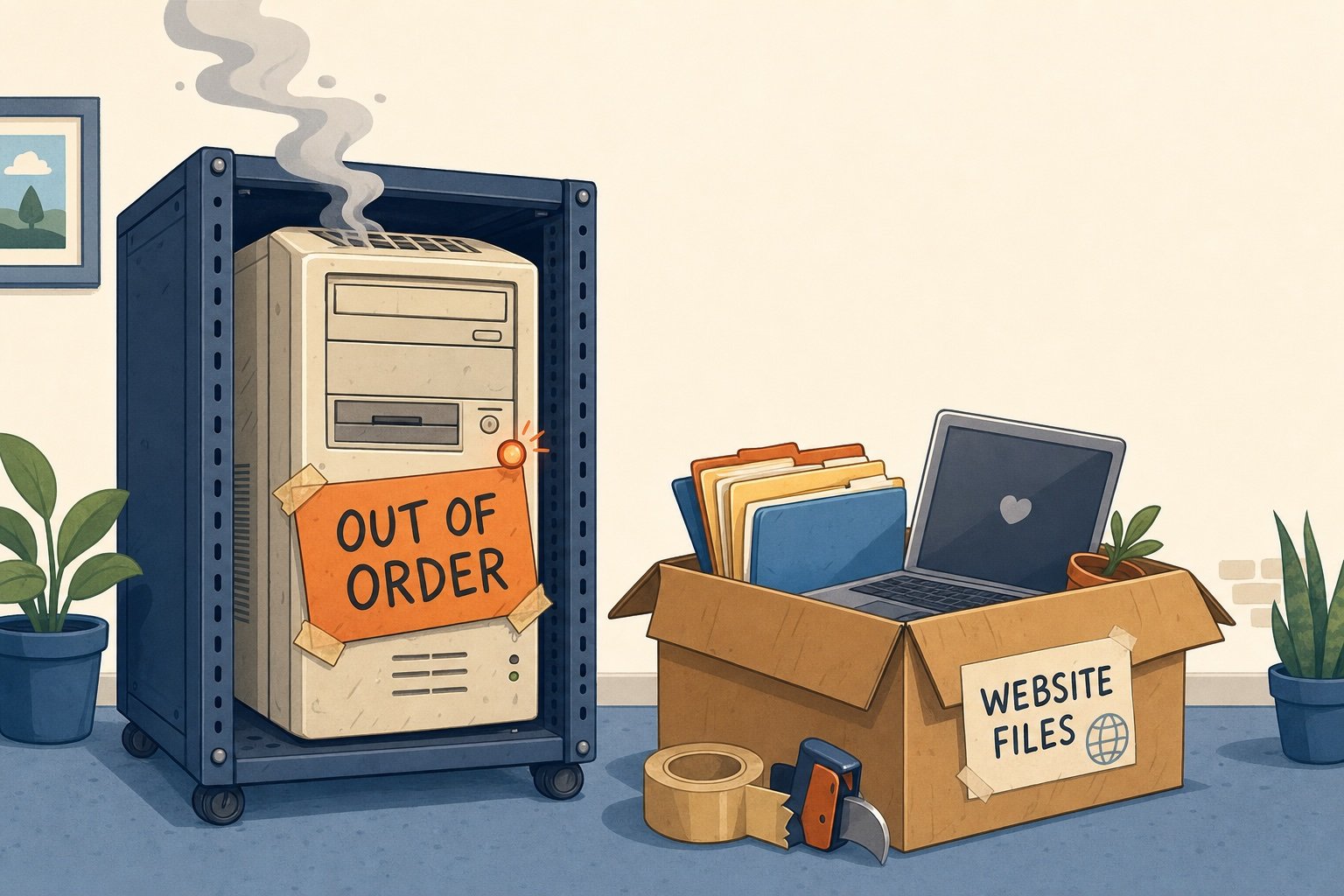
If you follow this site regularly, you may have noticed things got a little quiet — or downright broken — for a stretch. I promised the whole story and here it is, warts and all, because honestly? It’s too good (and too maddening) not to share.
It Started With Five Words Every Website Owner Dreads
“Error establishing a database connection.”
That’s it. That’s all WordPress gives you when things go sideways. No details, no clues — just a blank, mildly ominous sentence standing between you and your own website.
This is particularly maddening, because without a connection to the database, you can’t get into the WordPress Admin screens to investigate.
My first instinct was to run through the obvious checklist: Was the server even up? (Yes — I could ping it fine.) Could I still get in via FTP? (Yes.) Was my database storage maxed out? (Not even close — about a third full.) So this wasn’t a “you ran out of space” problem. Something deeper was wrong.
And the only tool I had to work with was FTP. For those lucky enough to not know what that is, it stands for File Transfer Protocol. It meant I was able to connect to the web server and get a list of the directories and files. I could upload or download files, move things around, rename things, and open configuration files to edit them. That’s about it.
Ruling Out the Easy Answers
If you’ve read my latest book, “Before The Wheels Came Off: A Fly on the Wall in the U.S. Senate” (and if you haven’t, please do), you know that I spent years doing IT support. I have certifications from Microsoft, Apple, Cisco Systems, Linux RedHat, and more. I even designed and taught a Community College course on Apache Web Server. For goodness sakes, I even hosted this website on a server in my home for years.
Drawing on all that experience I went methodically through the usual suspects (and pardon me if this gets a bit technical): database credentials in wp-config.php, user privileges, table prefixes. Everything checked out. No typos, no expired passwords, no obvious misconfiguration on my end.
So I did what any stubborn tech-support veteran would do: I built a test with the help of my AI buddy. I uploaded a bare, bone-simple PHP file — no WordPress, no plugins, nothing but a raw attempt to connect to the database and say yes, I’m here — and watched it fail in exactly the same way the real site did. That was the moment I knew: this wasn’t a WordPress problem. This was something broken underneath WordPress entirely, on the hosting side.
Down the Rabbit Hole
Another test file eventually returned something unexpected — an error page branded to OpenResty, the reverse-proxy software sitting in front of the actual web server. And it wasn’t instant; requests hung for several minutes before failing. That’s not a “typo in a config file” symptom. That’s a backend server not responding to multiple attempts or redirects — an infrastructure problem, not a website problem.
Armed with that, I finally had to resort to the task I was dreading: dealing with tech support. Years ago, it was dealing with tech support that made me setup a server in my own house so I could maintain it and troubleshoot it myself without going through the “have you tried it in different browser” crap.
So with a heavy sigh, I contacted Network Solutions support. After a two-hour chat where I presented my findings and a fair amount of “have you tried resetting your password” and even worse “would you like to pay a one-time fee to have a tech work on your issue” they finally acknowledged there was, in fact, a problem on their end. No timeline for a fix, of course — because there never is.
Just When I Thought It Was Over…
A frustrating two days or so later, they sent me an email saying it was resolved. It was not.
Instead of the database error, my site now greeted visitors with WordPress’s famous “five-minute install” screen — the one you see on a brand-new, empty WordPress site. That should have been reassuring (progress, right?), except for one alarming detail: that install screen is public. Anyone — or worse, any bot scanning the web for exactly this kind of exposure — could stumble onto it and potentially create themselves an admin account on my site the moment the database came back online for real. I wasn’t about to let a random stranger become the new owner of more than a decade of blog posts and travel photos, so step one was immediately locking the entire site behind a password wall while I kept digging.
Playing Detective in Someone Else’s Server Room
From there, since it was clearly up to me, it became a genuine investigation. I dug into the database directly through the Network Solutions hosting panel and confirmed the data itself was completely fine — all the tables were there, the right table prefix, 595 rows in the options table, even the correct site URLs stored exactly where they should be. My content was never actually in danger. Something else was broken.
Eventually I found it: two different tools in the hosting panel disagreed about which server my database actually lived on. One said one hostname. Another showed me connected to a completely different server — where my database user had zero privileges. That’s the fingerprint of a botched, half-finished server migration: my data was safe on the old server, but something in their infrastructure was routing requests to a new one that had never been properly set up to match.
When support tried to blame it on a “plugin conflict,” I disproved that in about five minutes — remember that plain, plugin-free test file from earlier? It failed the exact same way. Plugins can’t break a file that doesn’t load WordPress at all. For further proof, I re-named my Plugins folder to PluginsDisabled so as far as the server would know, I had none. Same problem.
Then came my favorite piece of evidence: I changed my database password using their own official tool, which cheerfully reported success. I updated my site to match — and got a fresh connection error. When I reverted back to the original password (without touching anything on their end), the site immediately worked again. That’s not a subtle bug. That’s proof their own password tool wasn’t even talking to the real, live database server my site was actually using.
The Decision to Just… Leave
After seven days of downtime, three days of silence, three unanswered emails, and a support chat that ultimately just told me to “email the address that said it was resolved,” I made the call: it was time to move to a new host entirely.
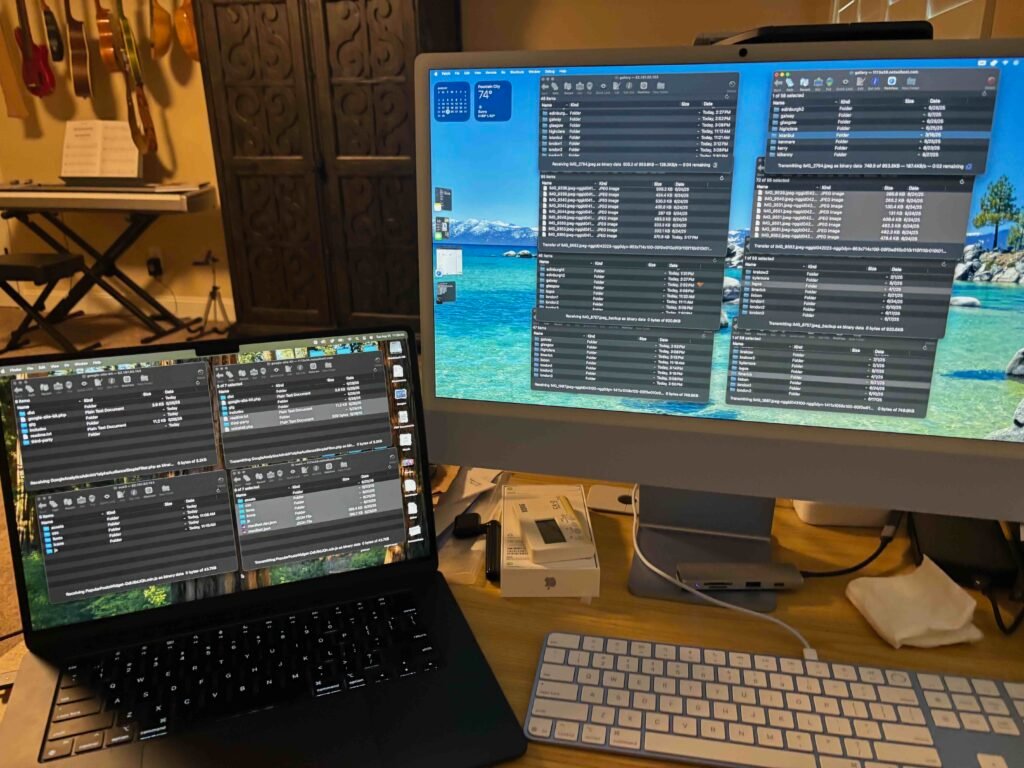
I exported the database, carefully picked through which files actually mattered (skipping years of accumulated cache folders and old backup clutter that had no business being transferred), and moved everything to Hostinger using FTP. This took hours, because my site is so old and HUGE. At one point I had four FTP transfers running on my desktop and two more on my laptop. Here’s the scene:
Here’s the part that still makes me laugh: for years, my site had lived with a quirky subdirectory setup — a leftover from an old migration, where the real WordPress installation sat in a folder called /wordpress1 while a redirect trick made it look like it lived at the root domain. I fully expected to have to manually untangle that during the move. Turns out — nope. The fresh install on the new host, combined with importing the database, sorted itself out cleanly. I went back and checked posts from years ago, and every single one loads correctly with the new, proper URL. Sometimes the universe throws you a break.
I started the process to transfer my domain away from NS and to the new provider, created an A record on the Network Solutions site to direct my domain to the new server until the transfer takes place, and voila – web site restored.
The Punchline
The site is now sitting pretty on the new host. Even better, it loads much faster than it used to. Even the WordPress Admin pages, which used to load incredibly slowly, are now popping right up. And — I promise this is true — later that evening, I got an email from Network Solutions letting me know the original issue had been resolved and my site was back up.
I let them know: yes, I am aware. It has been working great — ever since I moved to a new host, transferred my domain, and pointed it at a new IP address entirely.
Sometimes the best fix for a broken system is just… leaving it behind.

Thanks for your patience through all of this — and if you’re a fellow site owner staring down your own “Error establishing a database connection,” I hope this saga at least gives you a place to start.


Leave a Reply